Whether your organization is re‑evaluating your current electronic documentation software or looking to make
the leap from paper files, the goal is the same: efficiency, accuracy, and security. The right electronic
documentation system isn't just a replacement for a filing cabinet; it's a strategic tool that transforms
your operations.
If you're still managing paper records, these are the critical advantages you stand to gain. If you're
already using an electronic system, use this list as a benchmark: Is your current system truly delivering on
these key promises?
Choosing the right electronic documentation system is a significant investment. Here are the critical factors
to evaluate:
Does the software offer a holistic suite of features beyond basic note‑taking? Look for tools that
support your entire workflow, such as:
A powerful system is only effective if your staff can use it easily. Opt for software with a clean
interface, logical navigation, and minimal learning curve. Consider:
Protecting sensitive client information is non‑negotiable. Your chosen software must demonstrate
strong security protocols and adherence to relevant regulations. Key features to look for include:
Your organization will grow and evolve, and your software should be able to keep pace.
Even the best software can present challenges. A responsive and knowledgeable support team is
invaluable. Inquire about:
Understand the total cost of ownership, not just the initial licensing fee.
Investing in the right electronic documentation software is an investment in your organization's future. By
carefully evaluating these factors, you can select a system that streamlines operations, enhances data
security, and ultimately improves the quality of care and services you provide.
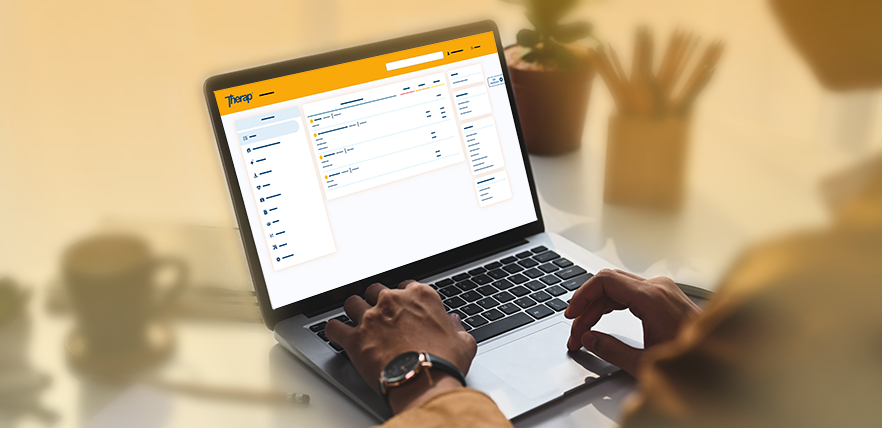
For organizations seeking a robust and comprehensive electronic documentation solution, Therap stands out.
Trusted by over 15,000 providers worldwide, Therap offers a secure, person‑centered, and fully integrated
suite of tools designed specifically for the Intellectual and Developmental Disabilities (/IDD) and
Long‑Term Services and Supports (LTSS) communities.
Therap's platform covers everything from detailed individual support plans to health tracking and secure
billing. Its commitment to data security is evident through its stringent adherence to HIPAA, HITECH, and
industry‑leading encryption standards, ensuring the utmost protection for sensitive client data.
Therap is renowned for its dedicated support team, offering extensive training and responsive assistance to
facilitate smooth implementation and continuous use. With Therap, providers gain a partner committed to
enhancing efficiency, ensuring compliance, and empowering better care. It's more than just software; it's a
complete ecosystem built for success in human services.
The Complete Guide to
Choosing an Electronic Documentation System
Key Considerations When Selecting Your Software
1. Comprehensive Set of Tools & Features:
2. User‑Friendliness and Intuitive Design:
3. Robust Data Security and Compliance:
4. Scalability and Flexibility:
5. Dedicated Support Team & Training:
6. Cost‑Effectiveness and Transparent Pricing:
Make an Informed Decision for Better Client Care
Therap: A Trusted Leader in Electronic Documentation
Therap Blogs
Back to Main Blog